
Nutrition · Weight
The weight loss tracker app that turns a goal into a daily target.
Made in the UK by Bolt Business Limited, company number 16864050 · No ads, no trackers
Health AI is a weight loss tracker app for iPhone. Pick a goal weight and a weekly pace of up to 1 kg, and it works out a daily calorie target and counts your food against it. It charts your weigh-ins, and can bring them in from a smart scale through Apple Health.
- 3 days free
- Then £9.99 a month
- Cancel any time in your Apple account
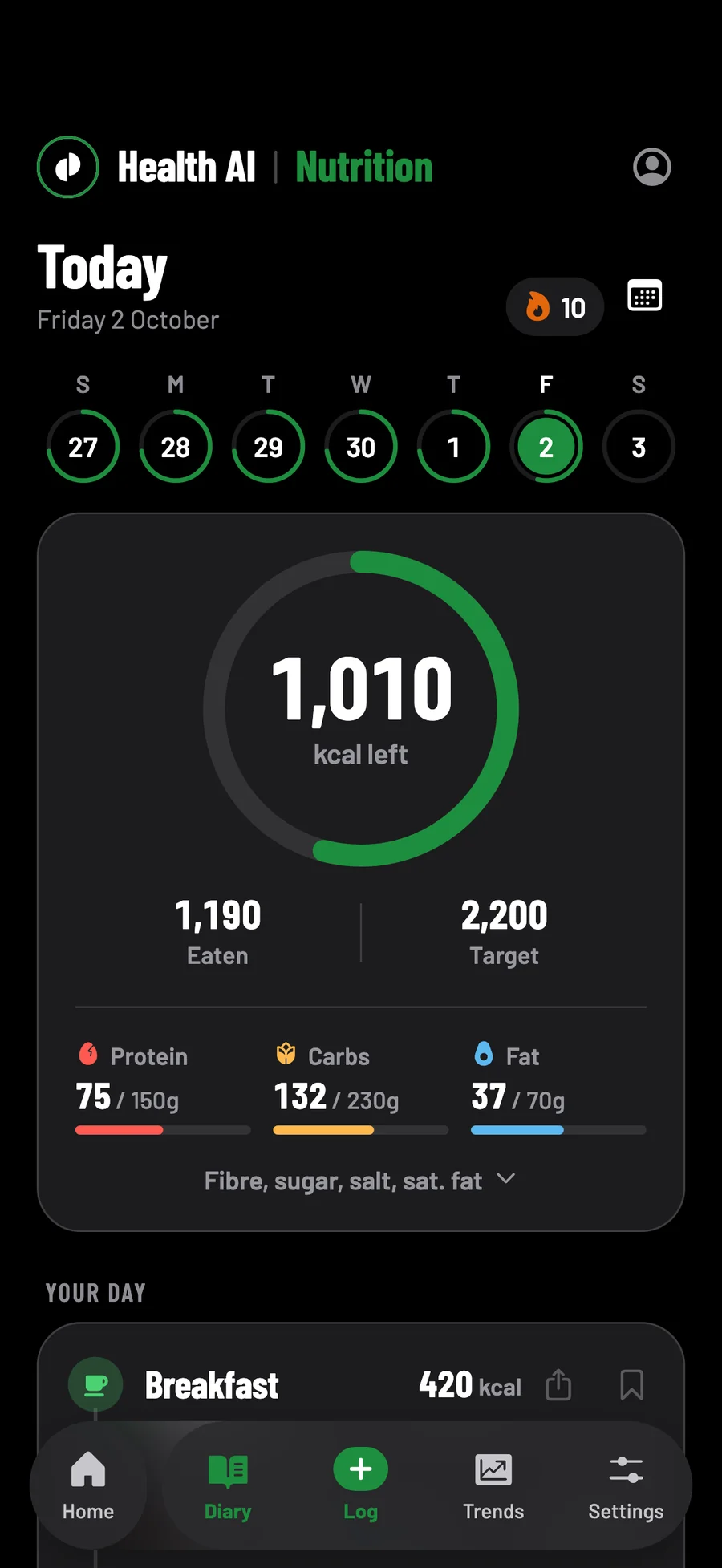
Your pace
How much weight is it safe to lose a week?
The NHS advises losing weight steadily, aiming for 0.5 to 1 kg (1 to 2 lb) a week. Health AI's pace runs from 0.1 kg to 1 kg a week and suggests 0.6 kg. A target it works out from your goal and pace never goes under 1,200 kcal a day for women or 1,500 for men.
The weekly figure is from the NHS's guide to overweight and obesity in adults.
How your goal and weekly pace become a daily calorie target
Health AI starts from what you burn at rest, worked out from your weight, height, age and sex by the Mifflin-St Jeor equation, and multiplies it by 1.375, 1.55 or 1.725 for training 0 to 2, 3 to 5, or 6 or more times a week. Then it takes off your pace, at 7,700 kcal for each kilogram, spread across the week.
| Weekly pace | In pounds | Calories a day under what you burn |
|---|---|---|
| 0.3 kg | 0.7 lb | 330 |
| 0.5 kg | 1.1 lb | 550 |
| 0.6 kg, the pace it suggests | 1.3 lb | 660 |
| 0.8 kg | 1.8 lb | 880 |
| 1 kg, the most it offers | 2.2 lb | 1,100 |
The slider moves in steps of 0.1 kg, from 0.1 kg. 7,700 kcal a kilogram is a rule of thumb, since what you lose is a mix of fat, muscle and water. A target worked out from your goal and pace never goes below 1,200 kcal a day for women, 1,500 for men or 1,350 otherwise. When you pick a pace in onboarding or for a new goal from Home, and that floor holds the target up, the app says so and moves the date to match.
Underweight, pregnant or under 18: what it refuses or warns about
Some answers are fixed and some are warnings, because a calorie tracker can do harm. The BMI lines come from your height and weight, and are the same in onboarding, in Profile & body stats and when you choose a new goal.
| If | Health AI |
|---|---|
| Your BMI is under 18.5 when you choose a goal | It won't set a goal to lose weight. A note names Beat, the eating disorder charity, and its England helpline, 0808 801 0677. |
| A goal weight would be under a BMI of 17 | Refused: the goal ruler stops there, and Profile won't save a lower one. |
| You are pregnant or breastfeeding | A note under the goals says to choose Maintain and ask your midwife or GP. |
| You are under 18 | Onboarding stops at your date of birth. |
| You type a target under 1,000 kcal | It isn't set. The box takes nothing under 800, and from 800 to 999 the app names Beat instead. |
| You type a target under your floor | A warning first, with the floor offered in its place. |
The healthy band is from NICE's guideline on overweight and obesity: 18.5 to 24.9 for most adults. For people from some ethnic backgrounds, the NHS counts overweight from a BMI of 23.
No ads or trackers, weigh-ins on your phone first, kept in London
Your weight stays yours.
No adverts or trackers
Nothing in the app follows you to other apps or websites.
On your phone first
Every weigh-in is saved to your phone first, so logging one needs no signal. The coach needs a connection.
Kept in London
Signed in, your weigh-ins are copied to your account, stored in London, and export with everything else.
- 3 days free
- Then £9.99 a month
- Cancel any time in your Apple account
Cancel at least 24 hours before the three days are up and you pay nothing.
Weigh-ins
How do you track weight loss in the app?
Log a weigh-in from Home, or let your smart scale's weigh-ins come in through Apple Health. Home shows how far you have to go to your goal weight, how far you have come and a line of your recent weigh-ins, and History lists each one with the change since the last.
Weigh-ins you type, and a smart scale's through Apple Health
Tap Log today's weight on Home's goal card, in kilograms, pounds, or stones and pounds. A day holds one weigh-in, so a second on the same day corrects the first. Each new weight recalculates the targets the app worked out, for the pace you chose or as near as your floor allows. Nutrition → Trends charts them against your goal over a month, 3 months, a year or all of them, once you have food logged in that range.
| Weigh-in | What happens |
|---|---|
| Typed in Health AI | Saved to Apple Health too, if you allow it, and taken out again if you delete it here. |
| From a smart scale or another app | Brought in from Apple Health when you open the app, marked From Apple Health. |
| The first time | Up to a year of past weigh-ins comes in, one a day. |
| Two on one day | The one typed in Health AI stays. |
| Deleted in Health AI | Kept out, so it isn't brought back in. |
Tap a weigh-in in History to correct it, or swipe to delete it. When you start, the app offers a weekly weigh-in reminder for Sunday at 8am: keep it or switch it off, and change its day and time in Settings → Reminders.
What you actually burn: your target checked against your own weigh-ins
Your first target comes from a formula, and a formula is an average that can be out for any one person. So once you have 14 days of food logged and 3 weigh-ins, the first and last at least 14 days apart, all within four weeks, Nutrition → Trends measures your burn instead: what you ate, against what your weight did.
| What it finds | What it says |
|---|---|
| Not enough yet | Your days logged, weigh-ins and days between them, against 14, 3 and 14. |
| A burn under three quarters of the formula's | That food is probably going unlogged, so it suggests no change. |
| A burn more than 35% above it | That your weigh-ins and logs don't line up well enough yet. |
| Anything in between | Your measured burn, your weight trend, and the target for the pace you picked. |
It changes nothing by itself. When the target it finds is 75 kcal or more from yours, a button offers it, and it never goes below your floor. The weight trend is a line fitted through four weeks of weigh-ins, not the gap between two, so one heavy morning moves it less.
Reaching your goal weight, and choosing what comes next
Log a weigh-in at or past your goal and the app celebrates it, then shows how much you lost and how many weigh-ins it took. Your plan stays as it is until you choose what's next.
| Choice | What it does |
|---|---|
| Stay at your weight | Your target moves to the formula's estimate of what holds it, even one you set yourself, and Home shows how closely you hold it. |
| Lose weight | A new, lower goal, within the same lines as the first. |
| Gain weight | A new, higher goal. |
| Decide later | Your plan stays as it is, and Home's goal card keeps a way back. |
Each goal you reach stays on Home's goal card: how much, from what to what, and when.
The coach reads your last 30 days of weigh-ins and food
Ask why the scale hasn't moved and the coach has your numbers to answer from: whether you're aiming to lose, keep or gain weight, and at what pace, your targets, each weigh-in and day of food from the last 30 days, and the result of What you actually burn. With less than a month of food logged, it is told not to read a trend into it.
Some answers are set in its instructions. It is told never to give a lowest number of calories to eat, to suggest Maintain and no deficit to anyone pregnant or trying to be, and to give no weight-loss advice to anyone who says they are under 18. Asked about injections such as Mounjaro or Wegovy, it is told to give no doses and nothing about where to get them, though it can still help with food and training around them.
Lifting too? The workout tracker keeps your sets, and the protein tracker counts what you eat. See everything Health AI does.
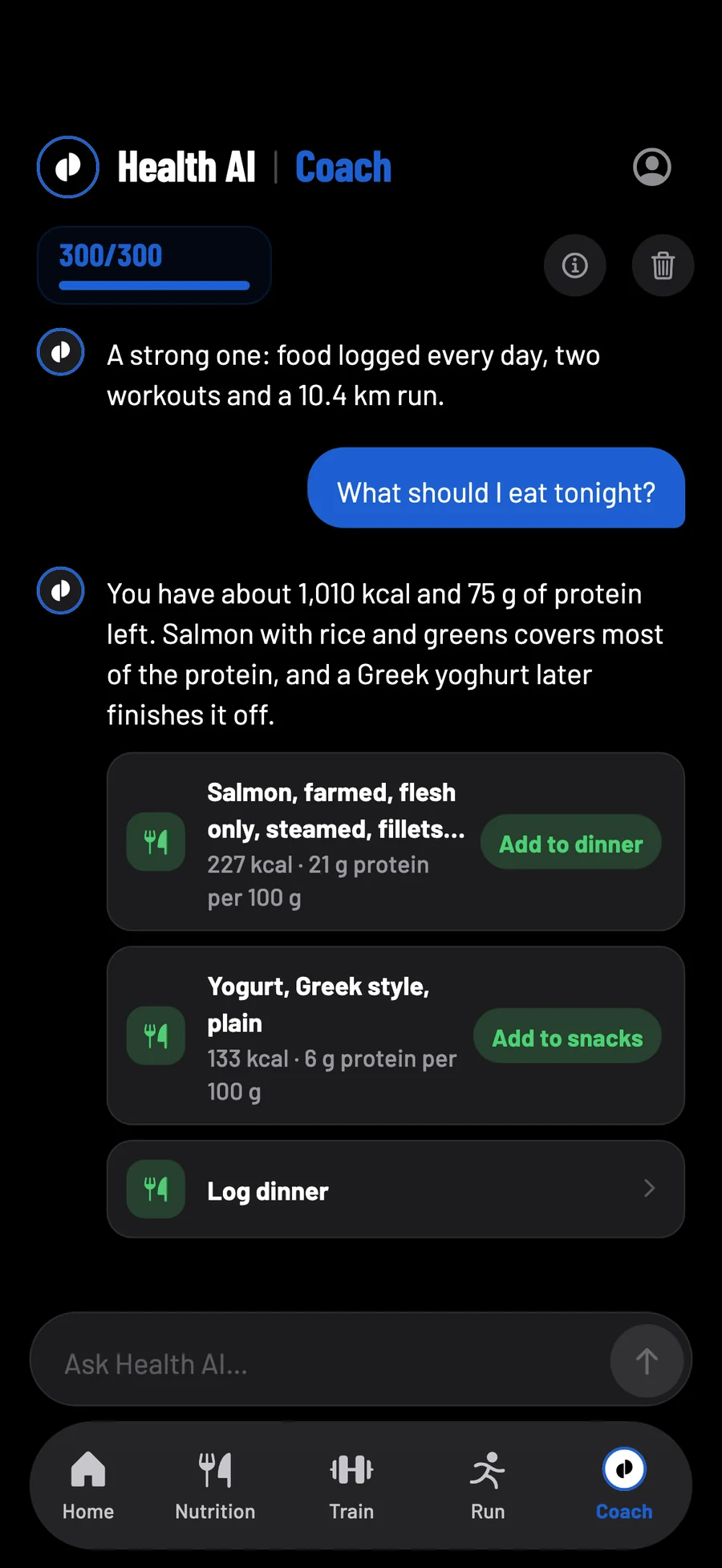
What £9.99 a month includes, and what keeps working if you stop
| What you get | 3 free days | £9.99 a month | If you stop paying |
|---|---|---|---|
| Weigh-ins, your goal and Trends | Yes | Yes | Yes |
| Barcodes, search and logging by hand | Yes | Yes | Yes |
| Meal and label scans | 30 | 200 a month | No |
| Messages to the coach | 50 | 300 a month | No |
One plan, with no higher tier, and one free trial per Apple ID. Whatever you logged stays yours if you stop paying.
What is the best weight tracker app?
The one you will keep using. If all you want is a record of the scale, a simpler app may do. Health AI suits people who want weigh-ins, calories and training in one place, and a target it can check against what their weight actually does.
Weight loss app, notebook or spreadsheet: what each does
| What you need | Health AI | A notebook | A spreadsheet |
|---|---|---|---|
| Weigh-ins | Typed in, or from a smart scale | Written down | Typed in |
| A chart | Drawn for you, with your goal | Drawn by hand | One you build |
| A daily calorie target | From your goal and pace | Your own sums | A formula you write |
| Food against it | Added up as you log | Added up by you | Formulas you write |
| A check on the target | From your own logs, after 14 days | By hand | Formulas you write |
| Cost | £9.99 a month, after 3 days free | A notebook and a pen | Free |
A notebook needs no phone, and Health AI's weigh-ins and food log need no signal.
What it doesn't do, from body fat to meal plans
| If you want | Health AI |
|---|---|
| Body fat or waist size | No. It tracks weight only. |
| Progress photos | No. |
| A smoothed daily average | No. The chart shows every weigh-in, and What you actually burn gives a four-week trend. |
| Meal plans | None built in. The coach can suggest meals, and you can log food ahead for a future day. |
| Medication doses | No. Ask your prescriber or pharmacist. |
| A person to talk to | No. The coach is an AI, and Health AI is not a doctor or a dietitian. |
If you have a medical condition or a special diet for your health, or have or have had an eating disorder, the NHS advises talking to a GP or a healthcare professional before making any changes to your lifestyle, in its guide to losing weight.
One goal, worked out
A weight-loss target, as the app works it out.
Follow the sums for one woman of 80 kg aiming for 72 kg
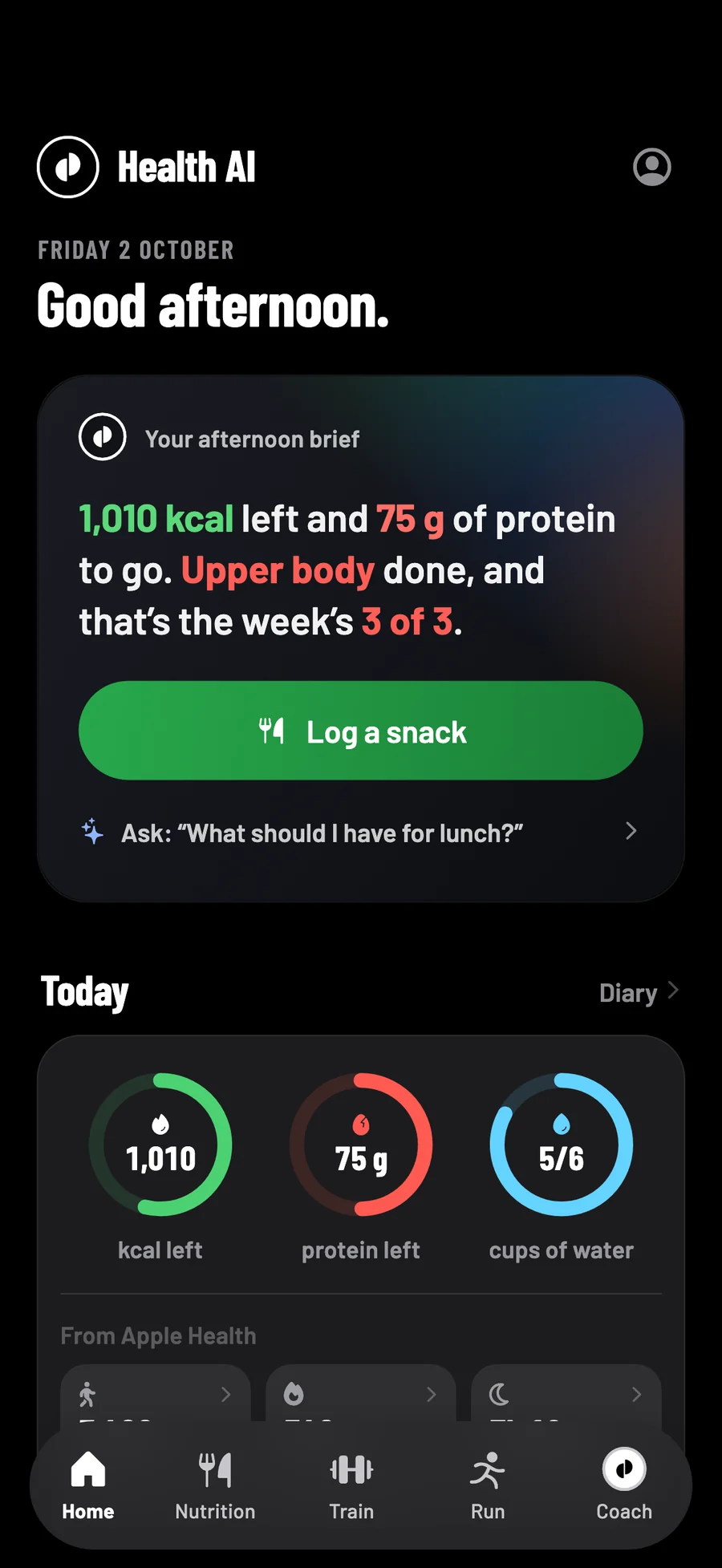
Questions
Weight loss tracking, answered.
Is there a free weight loss tracker app?
Yes: the NHS Weight Loss Plan app is free, and many others are free with adverts. Health AI is three days free, then £9.99 a month, with no adverts. If you stop paying, weigh-ins and logging food by hand keep working.
How do I cancel the free trial?
In your iPhone's Settings → your name → Subscriptions. Cancel at least 24 hours before the three days end and you pay nothing.
How often should I weigh myself?
The NHS suggests weighing yourself regularly to check how you're getting on. Health AI keeps one weigh-in a day, and its optional reminder comes weekly.
Does it work with a smart scale?
Yes, through Apple Health. If you allow it, weigh-ins your scale saves there come in when you open the app, marked From Apple Health.
Why am I not losing weight on my calorie target?
Your target starts from a formula, which can be out for you, and unlogged food can hide the gap. After 14 days of food and 3 weigh-ins over two weeks, What you actually burn measures your burn from your logs.
Can I use it alongside Mounjaro or Wegovy?
Yes, for food, weigh-ins and training, though it records no doses. The coach is told to give no doses and nothing about where to get them, which is for your prescriber or pharmacist.
Coming to the App Store in the UK, for iPhone with iOS 17 or later. Screens show sample data.
Your goal, as a daily target.
Weight, food, training and runs in one app, with a coach that reads your last 30 days of all four.
- 3 days free
- Then £9.99 a month
- Cancel any time in your Apple account
Cancel at least 24 hours before the three days are up and you pay nothing.