
Nutrition · Calories
The calorie counter app with the UK's own food tables.
Made in the UK by Bolt Business Limited, company number 16864050 · No ads, no trackers
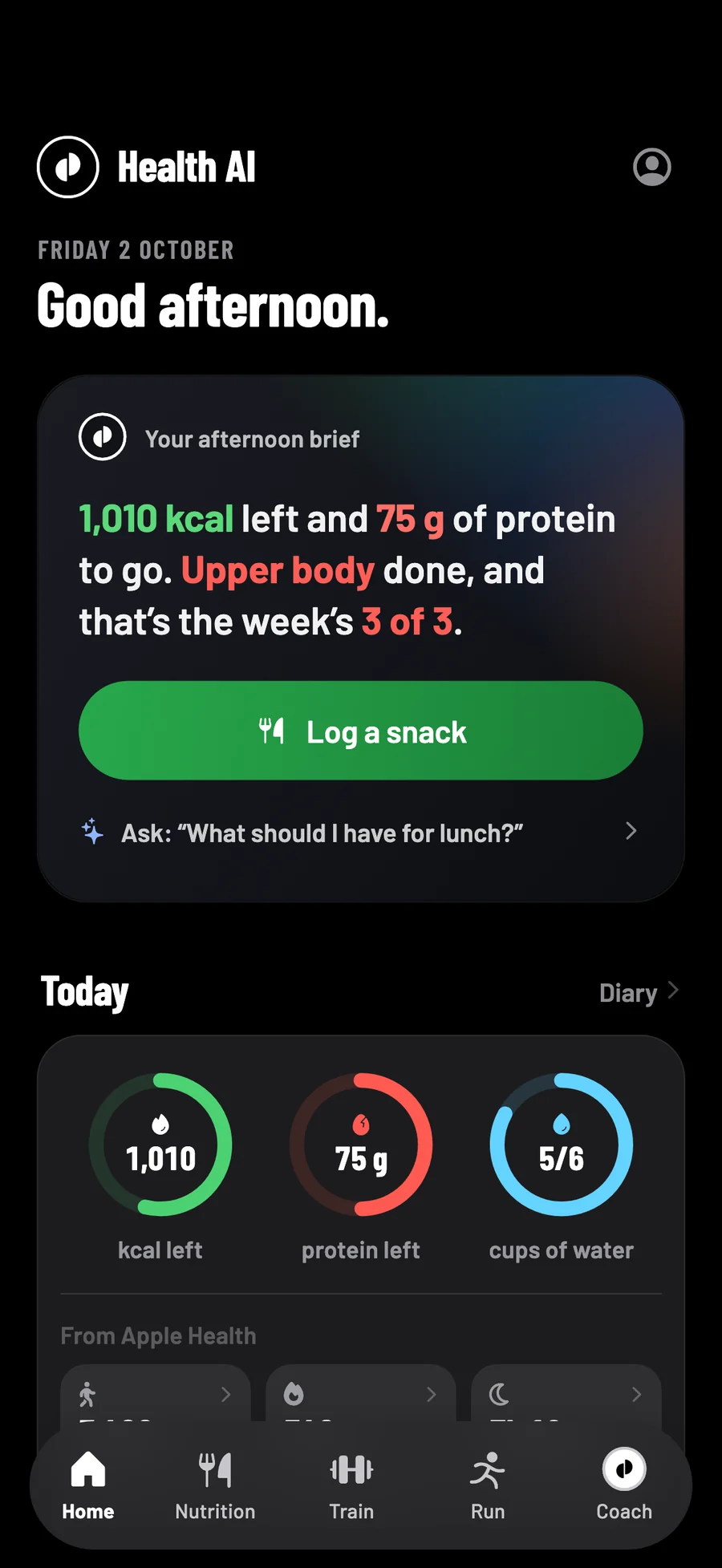
Health AI is a calorie counter app and calorie tracker for iPhone. It works out a daily calorie target from your body and your goal, then counts down what is left as you log. Search 2,854 foods from the UK government's food tables, scan a barcode or photograph the plate.
- 3 days free
- Then £9.99 a month
- Cancel any time in your Apple account
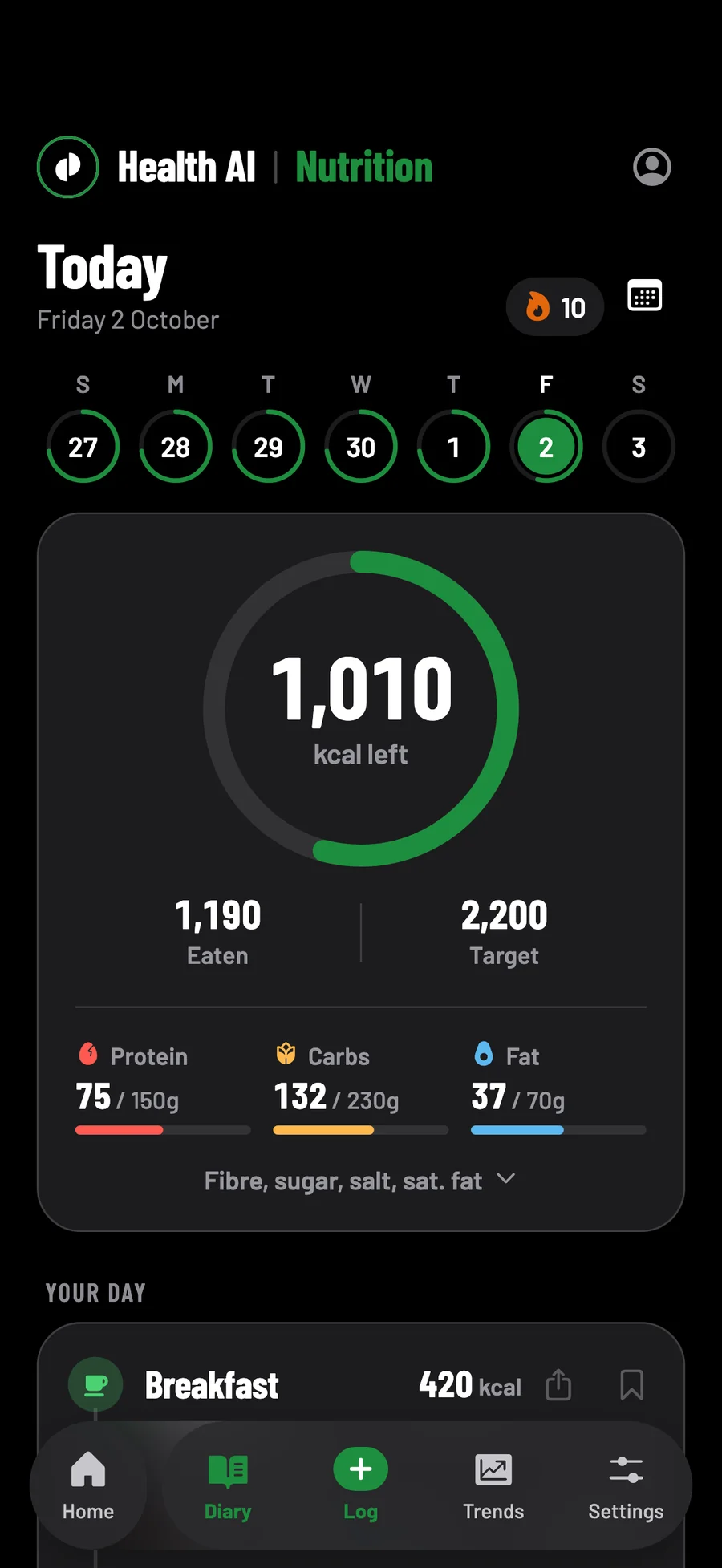
Your target
How many calories should I eat a day?
The NHS's guide is 2,000 calories a day for women and 2,500 for men to stay at a healthy weight. To lose weight, it suggests about 600 fewer a day and losing 0.5 to 1 kg a week. Your own number depends on your sex, age, height, weight and how active you are, which is what Health AI works out.
From the NHS's Calories and weight loss and Tips to help you lose weight.
How Health AI works out your target, step by step
When you start, Health AI asks your sex, date of birth, height and weight, how often you train, your goal and, to lose or gain weight, how fast. It works out what you burn at rest with the Mifflin-St Jeor equation, multiplies that for your training, then takes off or adds the calories your weekly pace needs, at 7,700 kcal a kilogram.
| What you tell it | What it does with it |
|---|---|
| You train 0–2 times a week | What you burn at rest × 1.375 |
| 3–5 times a week | × 1.55 |
| 6 or more | × 1.725 |
| Lose weight | 0.1 to 1 kg a week. It suggests 0.6 kg: 660 kcal a day under what you burn, close to the NHS's 600. |
| Gain weight | 0.1 to 1 kg a week. It suggests 0.3 kg, and above 0.5 kg it says most of the extra is likely to be fat. |
| The lowest it goes | 1,200 kcal a day for women, 1,500 for men and 1,350 if you chose Other, whatever the pace. |
Log a new weight and the target is worked out again at the same pace. A target you type yourself, in Nutrition → Settings, stays where you put it.
After two weeks of logging, what you really burn, measured
A formula is a good start, but it is a guess. Once you have logged food on 14 days and weighed in 3 times, the first and last at least 14 days apart, all in the last four weeks, Trends works out what you really burn from what you ate and what your weight did.
If your target is off, it shows the number that keeps your pace, with a button to use it, and nothing changes until you tap it. If what you burn comes out far below what the formula expects, it suggests nothing, because that usually means some food is going unlogged.
No ads or trackers, on your phone first, yours to export
Your food log stays yours.
No adverts or trackers
Nothing in the app follows you to other apps or websites.
On your phone first
Everything you log is written to your phone first, and the built-in foods search with no signal.
Yours to export
Signed in, your log is copied to your account, stored in London. Nutrition → Settings exports it as one file.
- 3 days free
- Then £9.99 a month
- Cancel any time in your Apple account
Cancel at least 24 hours before the three days are up and you pay nothing.
Logging
How do you count calories with an app?
Log each thing you eat and the app adds it up. In Health AI, tap Log, then photograph the plate, scan the barcode, search the food tables or pick something you saved. Each food adds its calories, protein, carbs and fat to the day, and the diary shows what is left of your target.
Six ways to log, and which need signal or a scan
| Way to log | Where the calories come from | Needs signal | Uses a scan |
|---|---|---|---|
| Search | 2,854 foods from CoFID and 7,793 from the USDA, kept on your phone, plus branded products from Open Food Facts | Not for the built-in foods | No |
| Barcode | Open Food Facts, then USDA's branded foods: the product's published figures | Yes, unless your phone has looked it up before | No |
| Photo of the plate | An AI estimate of the whole portion, for you to check | Yes | Yes |
| Nutrition label | The printed figures, read off the pack | Yes | Yes |
| Saved foods and meals | What you saved, a whole meal at once | No | No |
| Quick add | A number you type | No | No |
A Yesterday button, under any meal you logged the day before, adds that meal again. How the photo scan works, and how far to trust it: the AI calorie counter.
Calories burned: added to your day only if you choose
When you start, Health AI asks whether to add the calories you burn back to your day, and you can change your mind in Nutrition → Settings. With Add burned calories back on, the active calories Apple Health recorded that day are added to your target, so a day you train leaves more to eat.
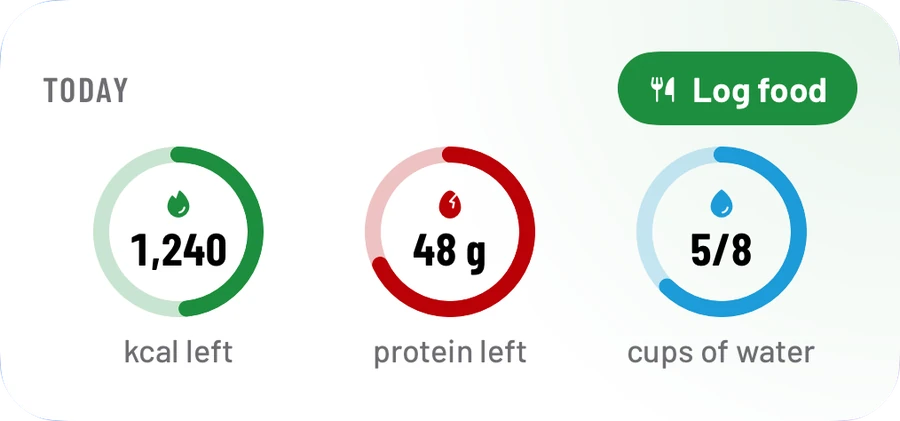
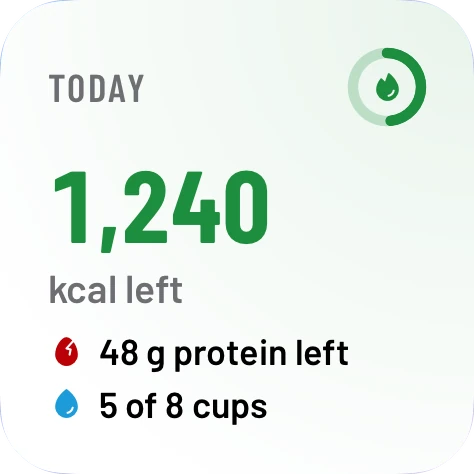
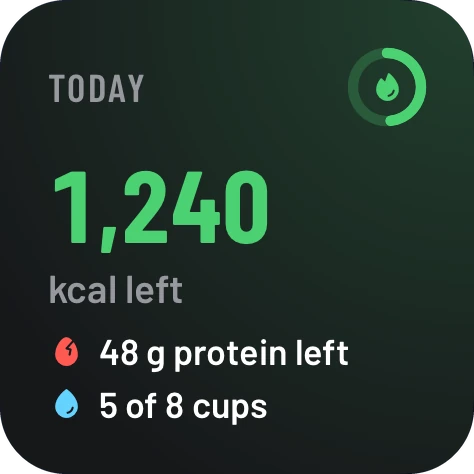
Rollover calories, asked about at the start too, carries up to 250 kcal of yesterday's unused budget into today. What is left, with both counted in, is on Home and on your Home Screen widgets.
Training too? The workout tracker and the running app are part of the same app. See everything Health AI does.
What it doesn't do, from recipes to kilojoules
| If you want | Health AI |
|---|---|
| A recipe builder | No. Save the foods you eat together as a meal instead. |
| Logging by voice | No. Photograph it, scan it, search for it or type it. |
| A fasting timer | No. |
| Kilojoules | No. Energy is in kcal; salt is in grams, as on UK labels. |
What £9.99 a month includes, and what keeps working if you stop
| What you get | 3 free days | £9.99 a month | If you stop paying |
|---|---|---|---|
| Search, barcodes and logging by hand | Yes | Yes | Yes |
| Meal and label scans | 30 | 200 a month | No |
| Messages to the coach | 50 | 300 a month | No |
One plan, with no higher tier, and one free trial per Apple ID. Whatever you logged stays yours if you stop paying.
One target, worked out
A calorie target, as the app works it out.
Follow the sums for a woman of 70 kg: 1,293 kcal a day, and where the floor steps in
Questions
Calorie counter questions, answered.
Is there a free calorie counter app?
Many are free with adverts, or free with a paid tier. Health AI is three days free, then £9.99 a month, with no adverts. If you stop paying, search, barcodes and logging by hand keep working.
What is the best calorie counting app in the UK?
The one you will keep using, and one that knows UK food. Health AI searches 2,854 foods from CoFID, the UK government's food tables, and shows salt in grams, as UK labels do.
How do I cancel the free trial?
In your iPhone's Settings → your name → Subscriptions. Cancel at least 24 hours before the three days end and you pay nothing.
Does it count calories burned from exercise?
It adds them to your day only if you turn on Add burned calories back. Then the active calories Apple Health recorded that day are added to your target.
Does it have a barcode scanner?
Yes. Hold a barcode in view and it scans itself, then looks the product up in Open Food Facts and, if that misses, USDA's branded foods. Barcodes never use one of your scans.
Can I set my own calorie target?
Yes, in Nutrition → Settings. Under 1,000 kcal a day it won't be set; under 1,200 for women, 1,500 for men or 1,350 if you chose Other, the app explains why first.
Coming to the App Store in the UK, for iPhone with iOS 17 or later. Screens show sample data.
Every calorie, added up for you.
Food, training and runs in one app, with a coach that reads your last 30 days of all three.
- 3 days free
- Then £9.99 a month
- Cancel any time in your Apple account
Cancel at least 24 hours before the three days are up and you pay nothing.